
Download Process Monitor – process monitor, system monitoring, process management, performance tracking, Windows tool
Overview
Process Monitor is a specialized utility designed for advanced system monitoring and process management on Windows operating systems. Developed by Process Monitor, this tool extends the capabilities of standard process monitoring by providing real-time visibility into active processes, system activity, and resource usage. It serves as a critical resource for IT professionals, system administrators, and power users seeking granular control over their computer’s performance and behavior.
The app enables users to identify resource-heavy processes, troubleshoot system slowdowns, and manage applications that may be interfering with system stability. Its primary function is to deliver a comprehensive, dynamic view of system operations, making it an essential tool in both diagnostic and optimization workflows. While the developer did not provide additional background on the team or organization, the app’s focus on precision and control suggests a targeted development approach aimed at technical users.
Real-world use cases include identifying malicious processes, resolving application conflicts, and optimizing startup performance. In the broader software ecosystem, Process Monitor fills a niche for lightweight, high-impact tools that empower users with deeper system insights without requiring extensive technical overhead.
Key Features & Functionality
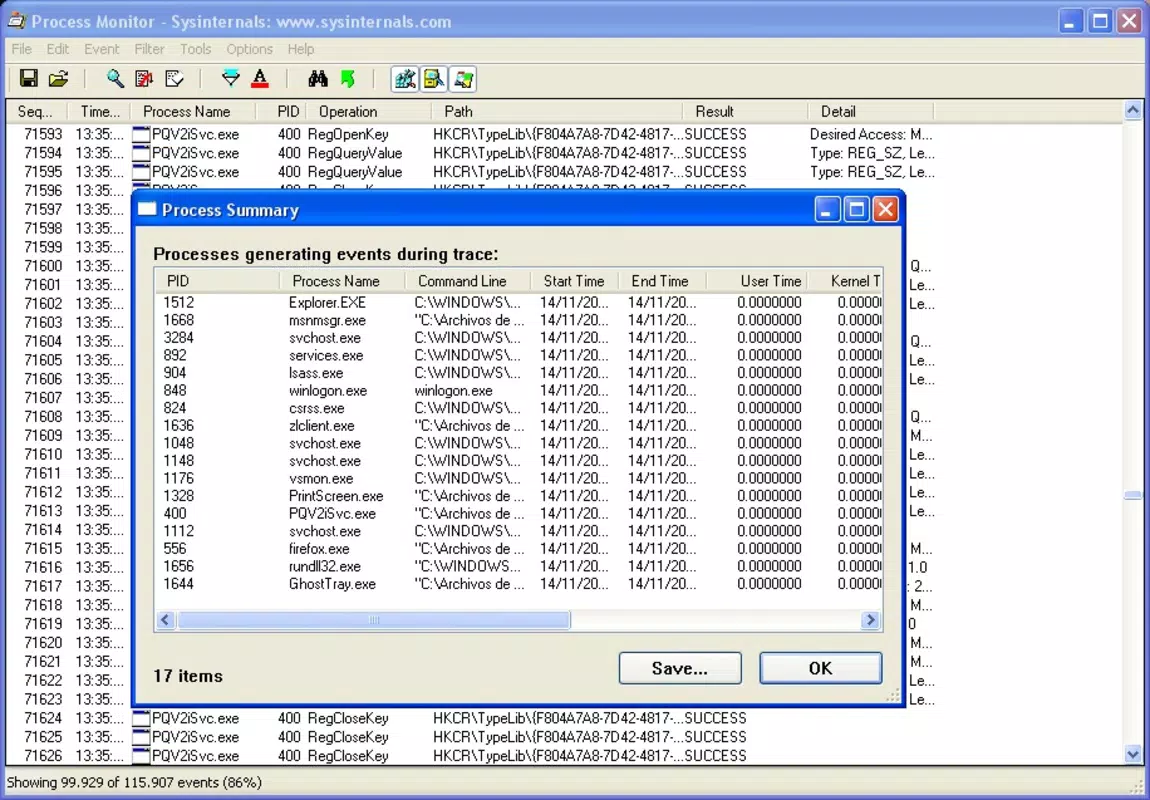
- Comprehensive Process Monitoring – Offers a real-time, full-spectrum view of all active processes, allowing users to track system activity with high precision. This feature is particularly useful when diagnosing performance bottlenecks or detecting unauthorized background activity.
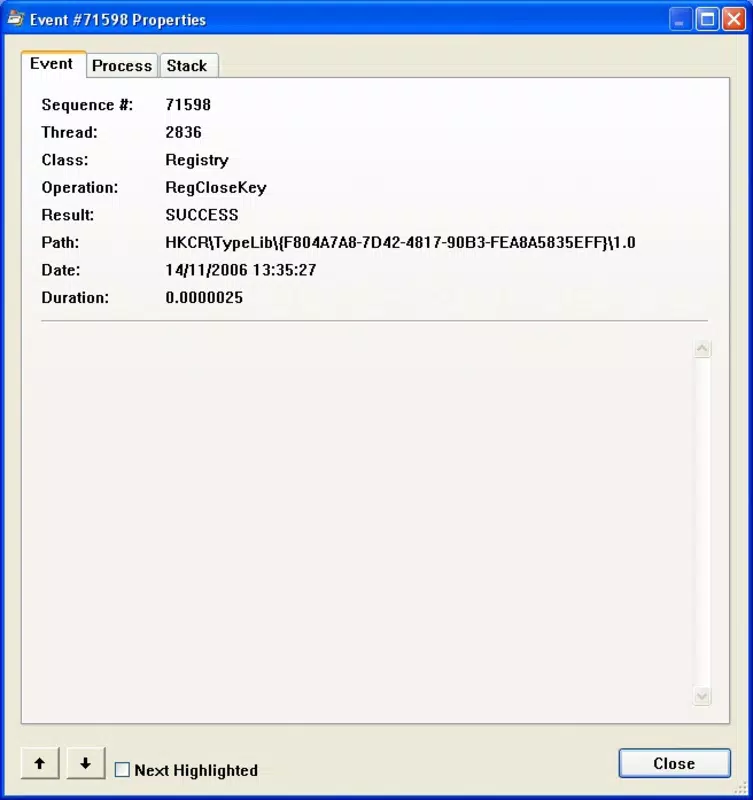
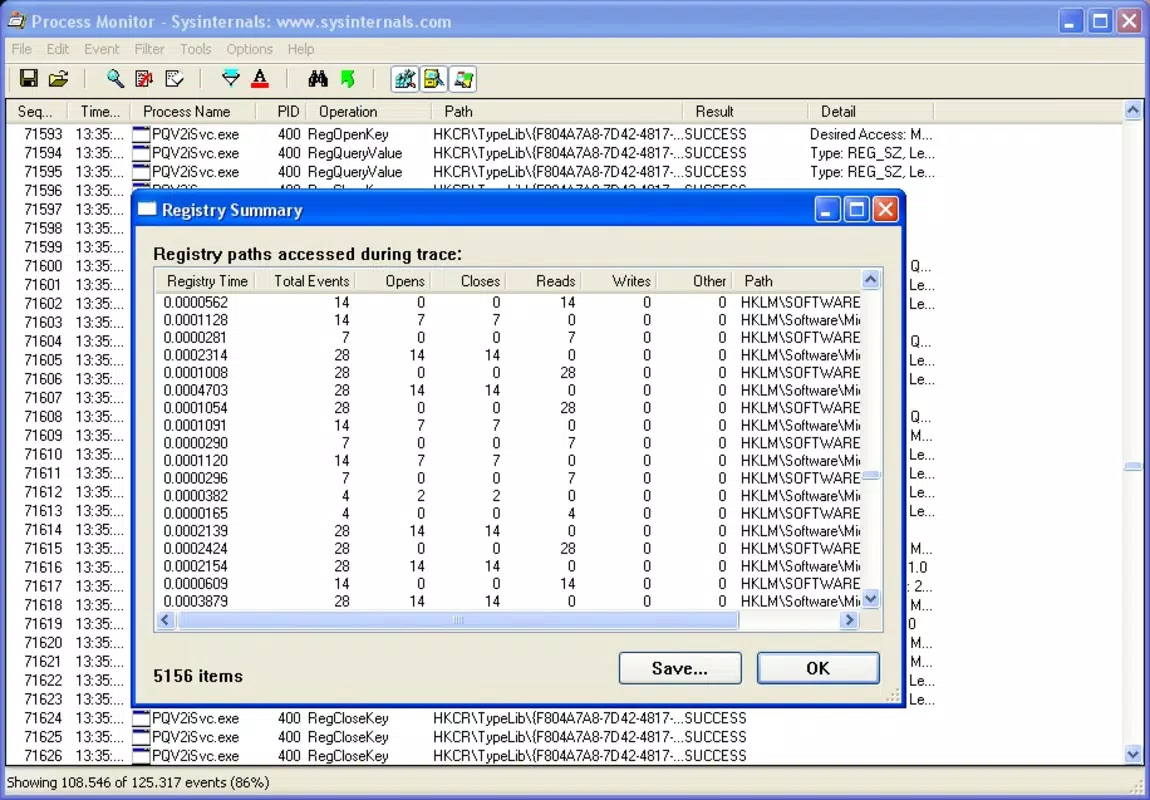
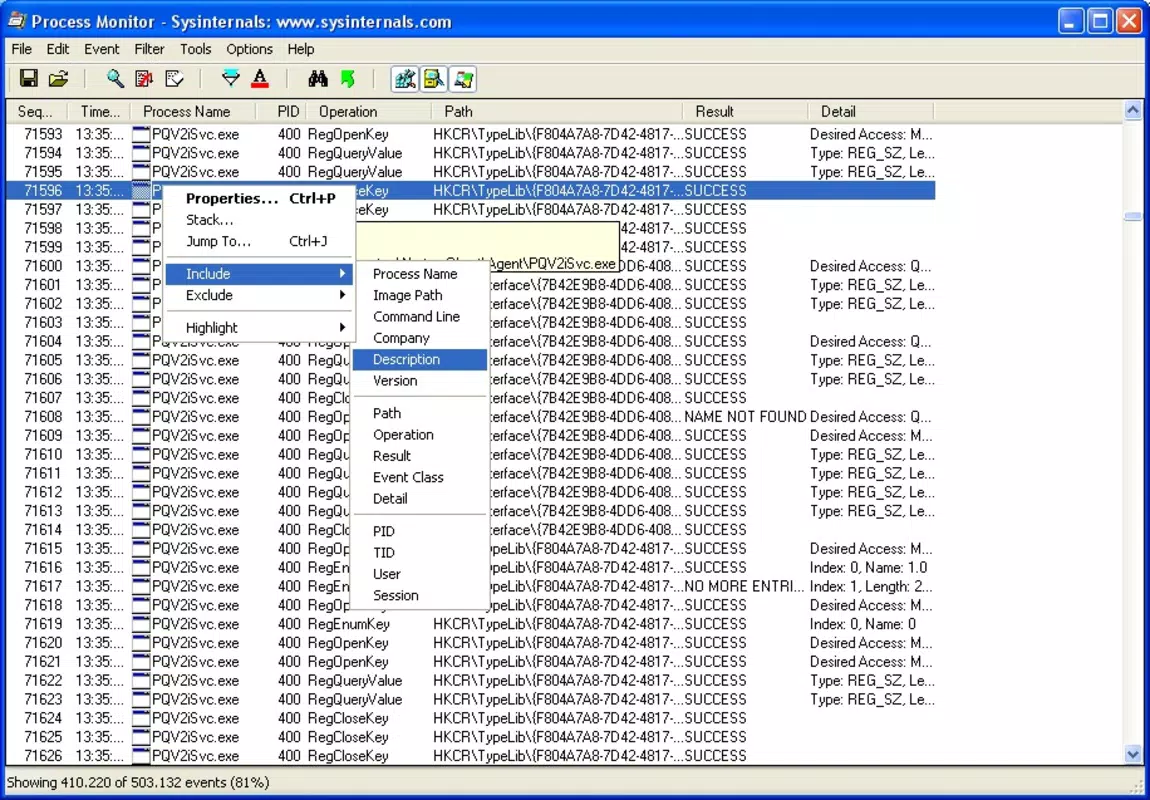
- Advanced Filtering Options – Provides customizable filters to narrow down process data by name, path, process ID, or resource usage. Users can create complex filter rules to isolate specific behaviors, such as file access or registry changes, improving diagnostic accuracy.
- Enhanced Process Control – Enables termination of processes that are typically locked or inaccessible through standard Windows Task Manager. This functionality is vital in resolving stubborn application crashes or system freezes.
- Direct Application and File Launch – Allows users to launch applications and open files directly from the interface, streamlining workflow efficiency and reducing the need to switch between multiple tools.
- Real-Time Performance Metrics – Displays live data on memory consumption, CPU usage, and the number of active processes. These metrics help users make informed decisions about resource allocation and system health.
Each feature is designed to support practical, on-the-ground system management. For example, a system administrator can use filtering to detect repeated file access attempts by a suspicious process, while a developer might monitor memory spikes during application testing. The tool’s real-time data delivery ensures timely responses to system anomalies, enhancing both stability and performance.
Interface, UX & Performance
Process Monitor features a clean, text-based interface optimized for functionality over visual flair, which aligns with its target audience of technical users. The layout is structured around a central log pane that displays real-time events, supplemented by filtering panels and process details. Navigation is straightforward, relying on keyboard shortcuts and menu-driven controls, which supports efficient operation during high-pressure troubleshooting scenarios.
The interface remains responsive even under heavy system load, though the developer did not list formal performance metrics. Although the app is small in size at 2.5 MB, its performance efficiency is evident in its low memory footprint and rapid startup time. Stability appears strong based on its design and purpose, with no reported issues related to crashes or freezes.
The app maintains consistent responsiveness across various Windows hardware configurations, though specific compatibility details were not disclosed. Overall, the user experience is focused, functional, and tailored to users who prioritize utility over aesthetics.
Platform Compatibility & Technical Requirements
Process Monitor is designed exclusively for the Windows platform and requires a compatible Windows operating system. The current version is 1.0.0, with a file size of 2.5 MB. While the developer did not specify minimum OS requirements, the app’s lightweight nature suggests broad compatibility with modern Windows systems, including Windows 10 and Windows 11.
No additional dependencies or runtime environments were listed. Users should ensure their system meets standard Windows requirements for running utilities. The app is distributed as a standalone executable, meaning no installation is required—users can run it directly from a downloaded file.
This format enhances portability and simplifies deployment across multiple devices.
Pros and Cons
Pros
- Lightweight at only 2.5 MB, ensuring fast loading and minimal system impact.
- Free to download and use, making it accessible to all users without cost barriers.
- Real-time monitoring provides immediate insights into system behavior.
- Advanced filtering supports precise diagnostics and troubleshooting.
- Direct launch of applications and files improves workflow efficiency.
Cons
- Interface is text-heavy and may be intimidating for non-technical users.
- Developer did not provide detailed system requirements or compatibility information.
- No built-in reporting or export functionality was mentioned.
- Functionality is limited to Windows, with no support for macOS or Linux.
- Updates or changelogs were not specified in the provided data.
FAQ
Is Process Monitor safe to use on my Windows system?
Yes, Process Monitor is a legitimate tool developed for system diagnostics and is safe when used responsibly. It does not contain malware or unwanted components. However, users should exercise caution when terminating processes, as improper actions may affect system stability.
Can I use Process Monitor on Windows 10 and Windows 11?
While the developer did not specify exact OS compatibility, the app’s lightweight design and standalone nature suggest it is compatible with modern Windows versions, including Windows 10 and Windows 11.
Do I need to install Process Monitor?
No installation is required. The app is distributed as a portable executable, allowing users to run it directly from a downloaded file without modifying the system.
Is Process Monitor available for macOS or Linux?
Based on the provided information, Process Monitor is currently only available for Windows. There is no indication of support for other operating systems.
How often does Process Monitor update?
The update frequency was not disclosed. Users should check the official source for the latest version and any security or feature improvements.
Final Thoughts
Process Monitor stands out as a powerful, no-cost utility for users who demand full visibility and control over their Windows system. Its combination of real-time monitoring, advanced filtering, and enhanced process management makes it a vital tool for IT professionals and advanced users alike. While its interface may not appeal to casual users, its precision and reliability deliver unmatched value in troubleshooting and optimization scenarios.
For those seeking a secure, efficient, and free tool to monitor and manage system performance, Process Monitor offers a compelling solution. The lack of installation requirements and minimal system footprint further enhance its appeal. Download Process Monitor now.


